Software for running the whole company, from purchasing to finance
One system instead of five programs and ten spreadsheets, built in Banja Luka and aligned with the regulations that apply in this market. Stock, costs and margins are calculated automatically, and you get to the figure in a couple of clicks.

WE BUILD SOFTWARE FOR COMPANIES LIKE THESE



















Every part of the company has its own version of the data, and none of them is the full picture
Sales works in one program, the warehouse in another, accounting in a third, and everything else in spreadsheets. Data is copied from one to the next, so the real picture of the business only appears once somebody assembles it by hand.

Stock does not add up.
The program says one thing, the warehouse another. Goods get ordered because the system shows none, or something gets sold that no longer exists.
You find out the margin after the fact.
Until costs and costings are posted, nobody knows what was earned. In the meantime, prices are set on instinct.
The same data is entered in three places.
Every re-entry is another chance for an error, and the error only surfaces when something does not reconcile.
Branches lag behind head office.
Data from remote locations and retail arrives at the end of the day, the week or the month.
A report needs a person.
Every view of the business depends on someone assembling it, so it only gets asked for when it is genuinely unavoidable.
One system for the entire business
Every part of the company works in the same system, with the same data. What is entered in one place is visible everywhere it is needed.
What changes when everyone works in the same system
First the discrepancies between departments stop, and then things start to become visible that could not be calculated before.



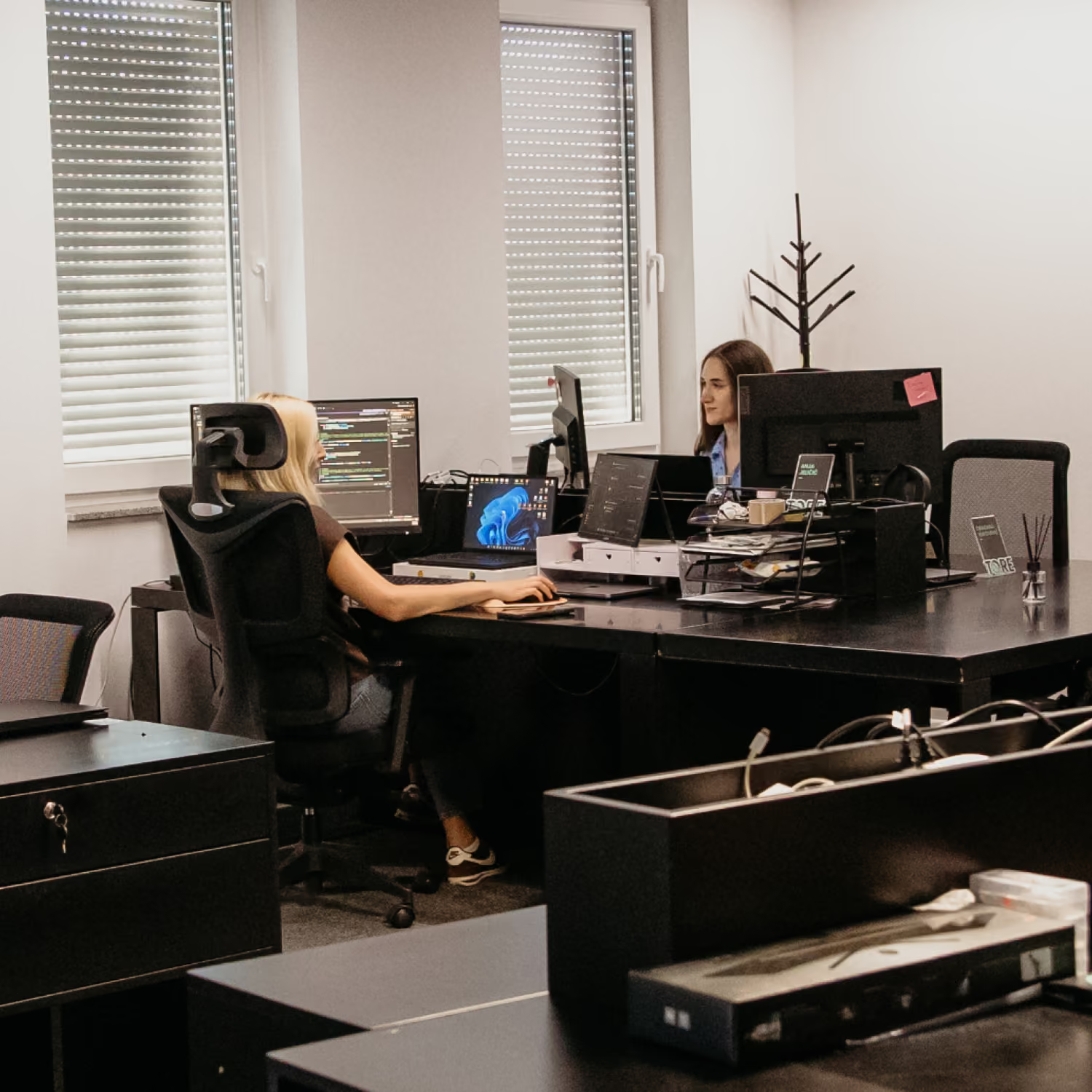

Stock is accurate at every moment.
What the system says is what is in the warehouse, across all locations.
You see the margin immediately, not at month end.
The margin is calculated automatically, by item, by customer and by point of sale.
You get the figure yourself.
Without calling accounting and without waiting for someone to compile a report.
No duplicate entry.
Data goes in once and is used everywhere it is needed.
All locations are in the same moment.
Head office, branches, warehouses and retail all work with the same data.
Who gets the most out of XARPA ERP
These are the situations clients most often come to us with:

You have outgrown Excel and a handful of disconnected programs

You have multiple warehouses, branches or points of sale

You are in wholesale or distribution

Your physical stock and your book stock regularly diverge

You do not know the margin by item and by customer until the month is closed
A system built by people from the profession
XARPA did not start as a product idea. It came out of daily work with accounting, costs and costings.
The financial side is done properly.
The system was built from accounting outwards rather than the other way round, so the numbers reconcile without after-the-fact corrections.
Aligned with local regulations.
XARPA was developed for the Republika Srpska market, with the accounting, costings and calculations that are required here.
The development team is in Banja Luka.
You are not waiting for an answer from another country and you are not going through an intermediary who sold to you and then withdrew.
It adapts to the way you work.
Where you insist that the system adapts to you, we will adapt it. Where we see a better way, we will tell you, but the decision is yours.
Support comes from the same team.
You are talking to the people who built the system, not to a call centre.
What actually changed after implementation
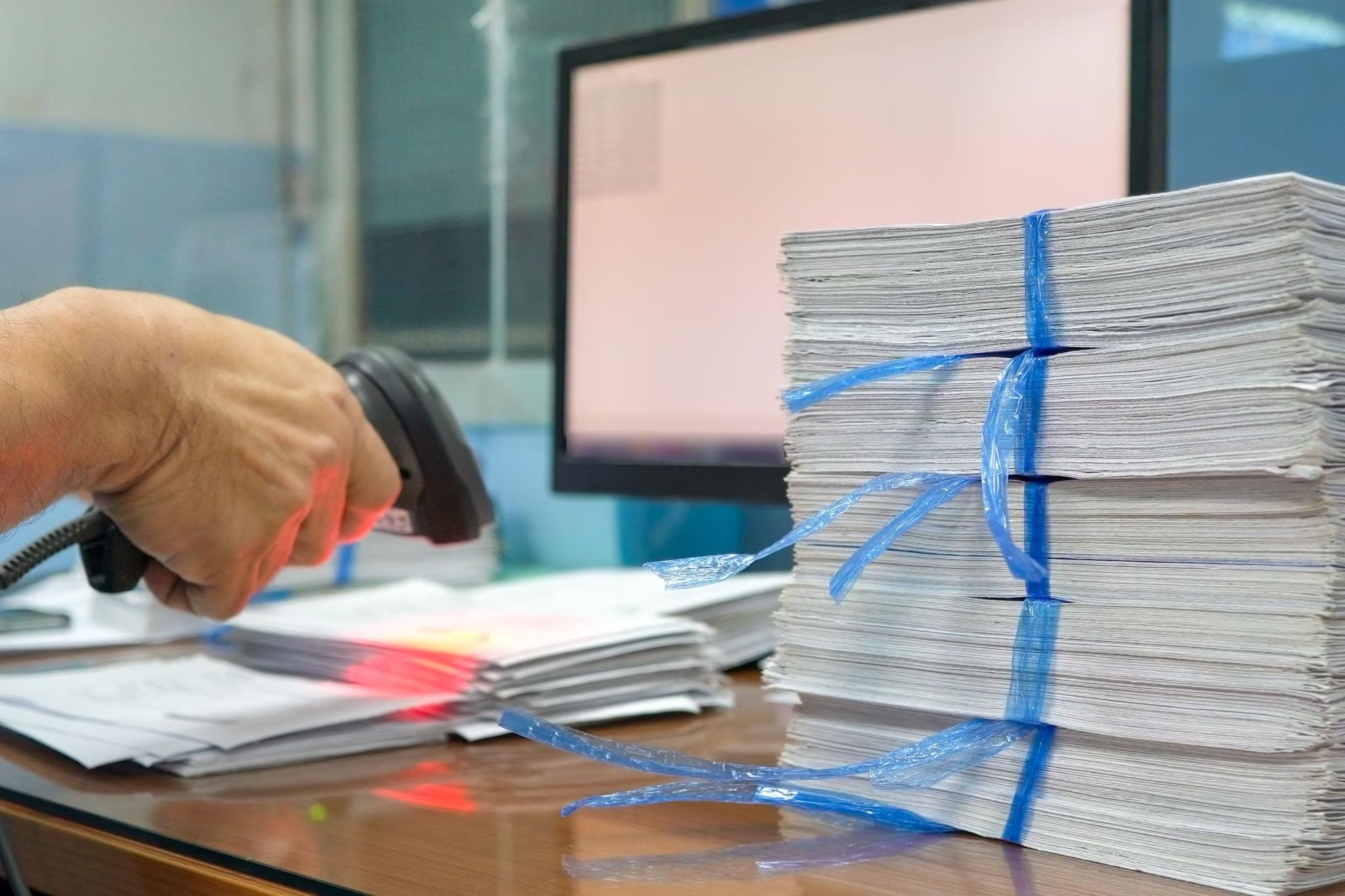
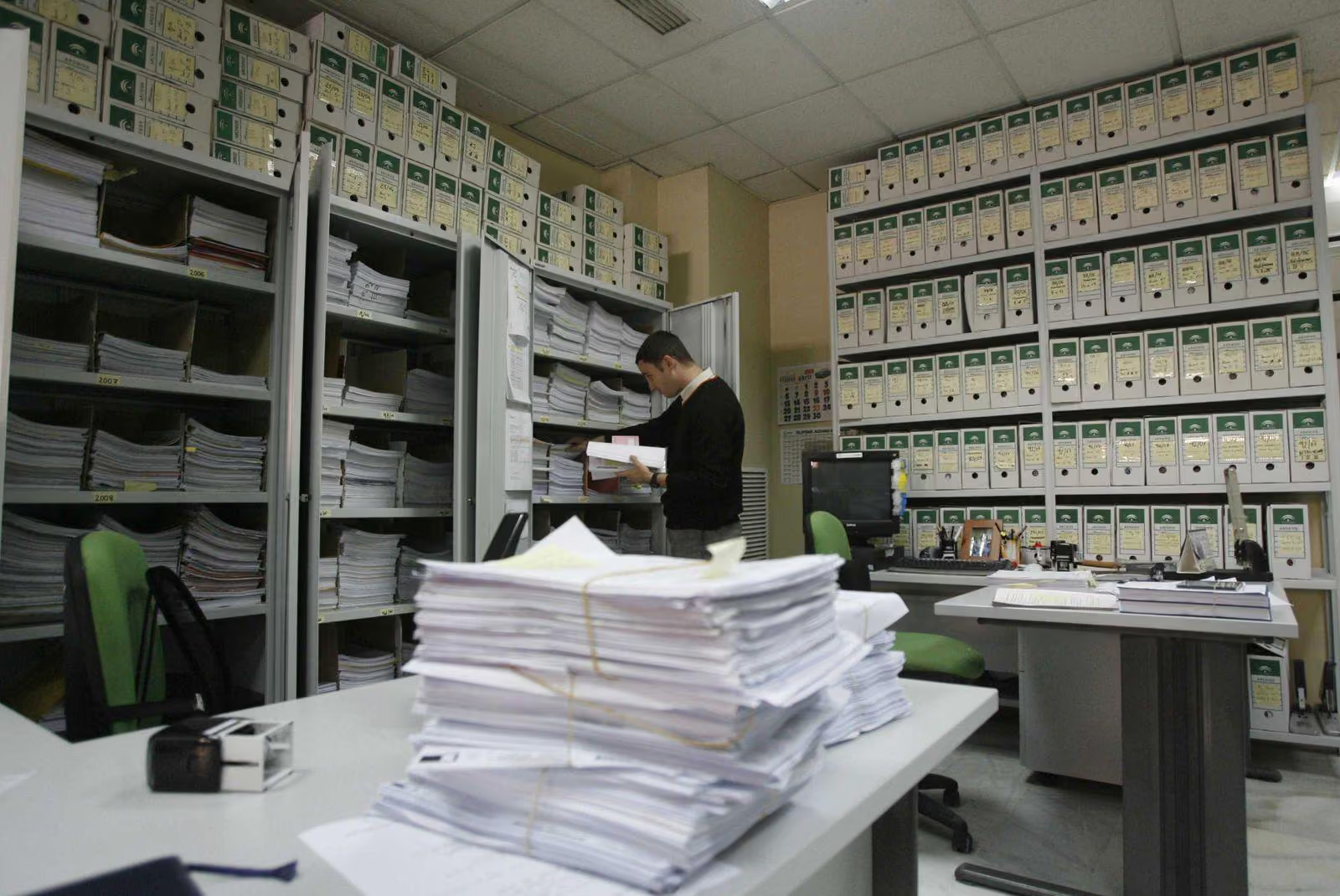
Projects where we moved manually run operations into a system.

What clients often ask us
Does it connect to the software we already use?
In most cases, yes. What is possible depends on the software you have, so we check it before we promise anything.
Does our work stop while the system is being implemented?
No. We implement in phases, and in most cases both systems run in parallel for a while, until we are confident the new one works as it should.
Does the system handle multiple warehouses and branches?
Yes. All locations work in the same system, and stock and turnover can be viewed per location and in aggregate.
How long does implementation take?
It depends on the number of processes, the number of locations and the volume of data being migrated. After the discovery phase you receive a phased plan with dates we stand behind.
What happens to the data in the software we use now?
It is migrated into XARPA. What gets migrated and in what order is agreed during the discovery phase, since not every client needs the same depth of historical records.
What if we need something the system does not currently have?
Additional development is handled as a separate project. Since we build the system ourselves, we do not depend on anyone else to make it happen.